Random Student Picker: Fair Classroom Selection
Reviewed by Raja Jahangir, SEO/AEO/AIO/GEO/SXO Strategist at Online Spin Wheel. Last updated: .
The Random Student Picker helps US teachers call on learners fairly using remove-after-pick mode, session history, and fullscreen classroom mode designed for projectors. Paste your roster, spin, and the chosen name can drop from the pool automatically so every student participates before repeats. History logs who went already, which subs trust on day one.
Overview
Teachers, say goodbye to picking favorites! The Random Student Picker is a fantastic digital classroom tool. It ensures every child gets an equal and unbiased chance to participate, read aloud, or answer questions during your lessons.
Built-in features
Built for US classrooms: enable remove-after-pick so called-on students drop from the pool, review session history for subs, and switch to fullscreen classroom mode with large tap-to-spin controls for projectors.
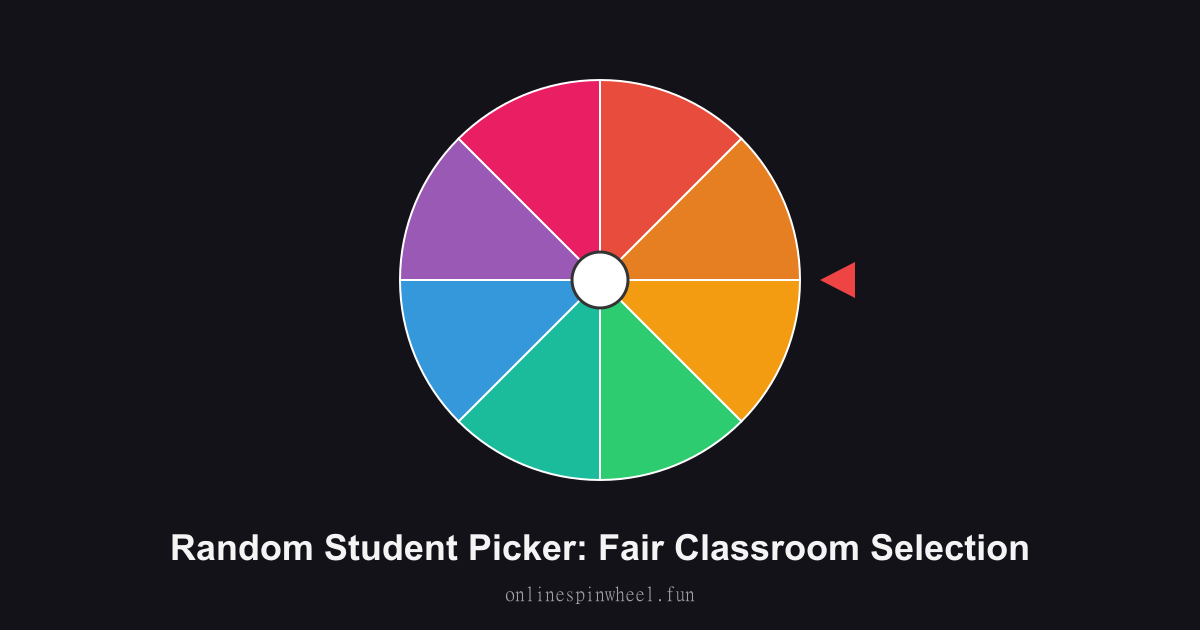
How to use the random student picker
1. Enter your class roster. 2. Click Spin to select a student. 3. Remove their name so others get a turn!
Default wheel options
- Student 1
- Student 2
- Student 3
- Student 4
- Student 5
- Student 6
- Student 7
- Student 8
Cold-call reading rounds
ELA teachers spin before each paragraph so shy readers know the wheel, not favoritism, decides.
Lab partner assignment
Science classes spin twice per table group and pair students who have not appeared in history yet.
Substitute teacher handoff
Session history shows who already answered so guest teachers continue fair rotation.
Reward seat picker
Positive behavior classes spin for flexible seating passes once homework checks finish.
Getting started
Load the Random Student Picker with your list, spin once to preview timing, then adjust entries before going live.
Enable remove-after-pick on the Random Student Picker when each option should win once, and turn on Streamer mode for a chroma-key backdrop on stream recordings.
Project the Random Student Picker fullscreen on a smartboard or TV so everyone sees the same spin without crowding one phone.
Frequently asked questions
What is remove-after-pick mode?
When enabled, the selected student leaves the active wheel automatically after each spin until you reset the roster.
Where does session history appear?
A running list shows names picked during the current class period so you never lose track mid-lesson.
How do I use fullscreen classroom mode?
Expand the wheel to fill the projector or smartboard so back-row students see slices clearly.
Can I import from Google Classroom?
Copy names from your gradebook and bulk paste, no direct LMS sync yet.
Does it work offline after loading?
Spins run locally once the page caches, handy when school Wi-Fi drops briefly.