Exercise Picker Wheel: What Should I Train Today?
Reviewed by Raja Jahangir, Content & SEO Lead at Online Spin Wheel. Last updated: .
The Exercise Picker Wheel assigns your next move, pushups, squats, planks, yoga flows, from a list you control, keeping home workouts from repeating the same three exercises. Spin between sets for circuit training, let PE teachers call warm-ups randomly, or run fitness challenges with friends. Edit slices anytime to match injury limits or available equipment.
Overview
Don't know what to train today? Let the Exercise Picker Wheel act as your personal digital trainer. Spin the wheel to randomly select your next workout move or muscle group. It is a fantastic way to keep your fitness routine fresh and challenging. People often find this wheel when searching for exercise routine picker wheel.
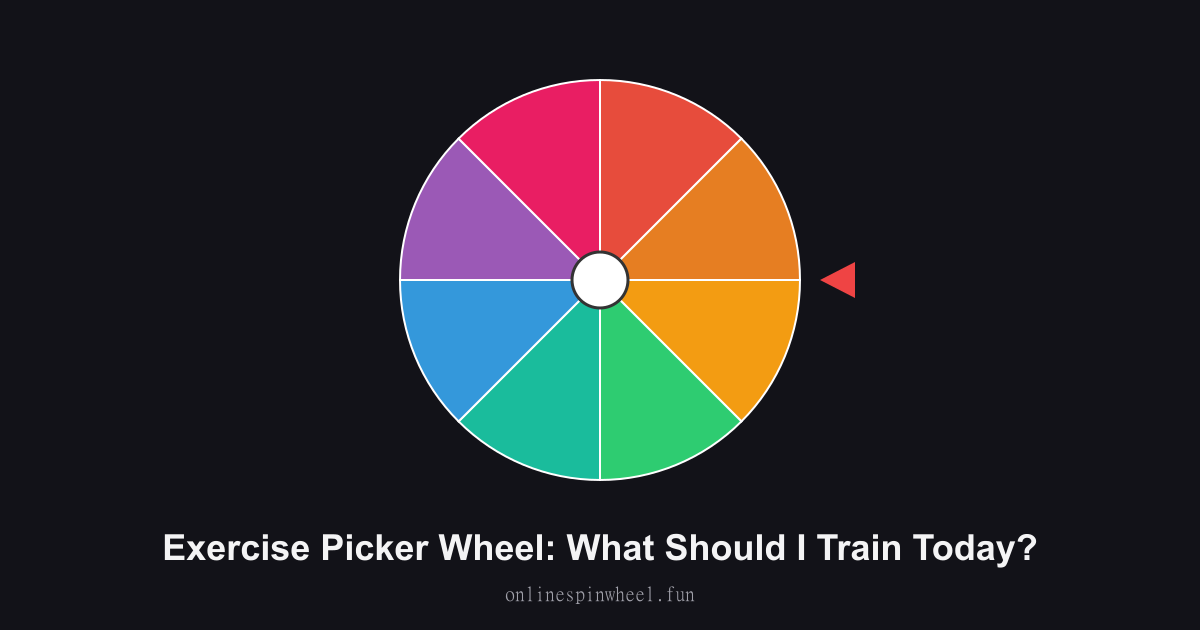
How to use the exercise picker wheel
1. Warm up before starting. 2. Spin the wheel to select an exercise. 3. Complete the set and spin again for the next move!
Default wheel options
- Pushups
- Squats
- Cardio
- Planks
- Lunges
- Burpees
- Yoga
- Weight Lifting
Living-room HIIT circuits
Spin five times, write down five moves, and cycle through them for a fifteen-minute sweat without a trainer app.
PE warm-up roulette
Coaches project the wheel so each class period starts with a different dynamic stretch or agility drill.
Accountability group chats
Friends screenshot their spin results nightly and post completion videos before midnight.
Physical therapy variety
Therapists load approved mobility drills so patients randomize homework without skipping boring-but-important reps.
Getting started
The Exercise Picker Wheel runs in your browser with no signup, paste entries, spin once, and reset when you need a fresh pool.
Enable remove-after-pick on the Exercise Picker Wheel when each option should win once, and turn on Streamer mode for a chroma-key backdrop on stream recordings.
Project the Exercise Picker Wheel fullscreen on a smartboard or TV so everyone sees the same spin without crowding one phone.
Frequently asked questions
Can beginners limit difficulty?
Delete advanced slices and keep walking, wall pushups, and gentle stretches until strength improves.
How do I add rep counts?
Include numbers in slice text, 10 squats, 30-second plank, so each spin specifies volume.
Does it track calories?
No metrics here, pair the wheel with your watch or fitness app for burn estimates.
Can I save separate leg-day and arm-day wheels?
Bookmark two customized URLs after editing slices; each page keeps its own list in browser storage.